CCPEM-pipeliner
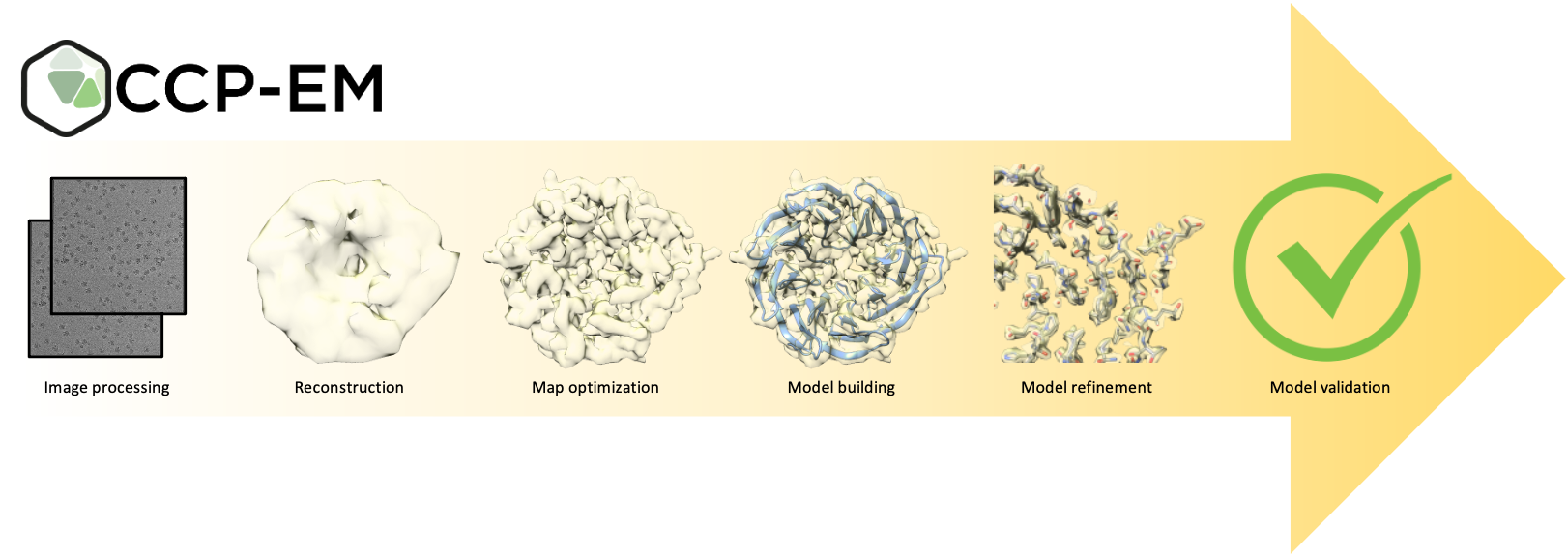
The CCP-EM-pipeliner is a Python library which provides the ‘business logic’ layer for the CCP-EM software suite (v2). It can be used separately and is open source (MPL 2.0).
Pipeliner provides command line functionality to:
Run image processing tasks (jobs)
Continue/overwrite existing jobs
Create scripts for automated workflows
Cleanup to remove tmp/unneeded files
Create archives to preserve workflows
Generate metadata reports
Generate literature reference lists
Generate results for viewing in the CCP-EM Doppio GUI
CCP-EM pipeliner allows the design of custom, automated cryoEM workflows for SPA, STA and model building and is used as part of eBIC/DLS’s automated processing pipeliner and the CZII CryoET Object Identification Kaggle challenge.
It produces Doppio (or RELION) projects which can be viewed and continued in the UI. Project created in pipeliner are fully compatible with projects created using the RELION GUI.
Installation
Install from PyPI with pip install ccpem-pipeliner
To install the package from source navigate into the ccpem-pipeliner directory and
install the pipeliner with the command:
pip install -e .
Check the installation
Once the pipeliner is installed use the command pipeliner.check_setup to check that
the setup is complete and the pipeliner can find the Relion programs it needs to run.
Documentation
Documentation is available online at: ccpem-pipeliner.readthedocs.io/en/latest/
To build the documentation yourself, install the documentation build requirements as follows:
pip install -e .[docs]
Then navigate to the ccpem-pipeliner/docs directory and run the command:
make html
Then open the file ccpem-pipeliner/docs/_build/html/index.html in a web browser to access the
documentation.
Adding plugins
To add additional job plugins the plugin must first be written as a PipelinerJob object.
See the pipeliner documentation
for a description of the format.
The plugin must then be placed in the Pipeliner/jobs/ folder or one of its subfolders, or create a new subfolder.
Once the plugin file is in place add it to the list of entry points in pyproject.toml.
If pyproject.toml has been modified update the pipeliner by running pip install -e . for the changes to
take effect.
For Developers
It’s a good idea to work in a virtual environment for this project. Set one up as follows:
python3 -m venv venv/
source venv/bin/activate
pip install -e .[dev]
This project uses pre-commit to run Black for code formatting, flake8 for linting and some other simple checks, and mypy for type checks.
You might want to install Black separately yourself too, so you can run it from your IDE.
According to the flake8 documentation, flake8 should not stop a git commit from going
ahead unless flake8.strict is set in the git config. That doesn’t actually seem to
work: with the current configuration, commits fail if flake8 finds any problems. There
are some flake8 warnings that have not been fixed yet, so to get around this, flake8
checks can be disabled: SKIP=flake8 git commit ...
Unit tests
Run the tests with pytest.
Some tests are quite slow, these tests are skipped by default. Set the
environment variable PIPELINER_TEST_SLOW to a non-empty string to run the slower
tests as well.
Some tests run actual programs, which can also make the test suite take much longer to
run. Set the environment variable PIPELINER_TEST_LIVE to a non-empty string to run
these tests as well. Live tests will only be run if the programs needed for them are
available.
Contact us
For more information visit the CCP-EM website.
The CCP-EM mailing list is a useful resource for questions about pipeliner, RELION, and other topics relating to CryoEM data processing.
For additional help and support contact CCP-EM directly at ccpem@stfc.ac.uk.
We welcome contributions from the community. This is a public repository so if you have feature requests or have made improvements please raise an issue or merge request.